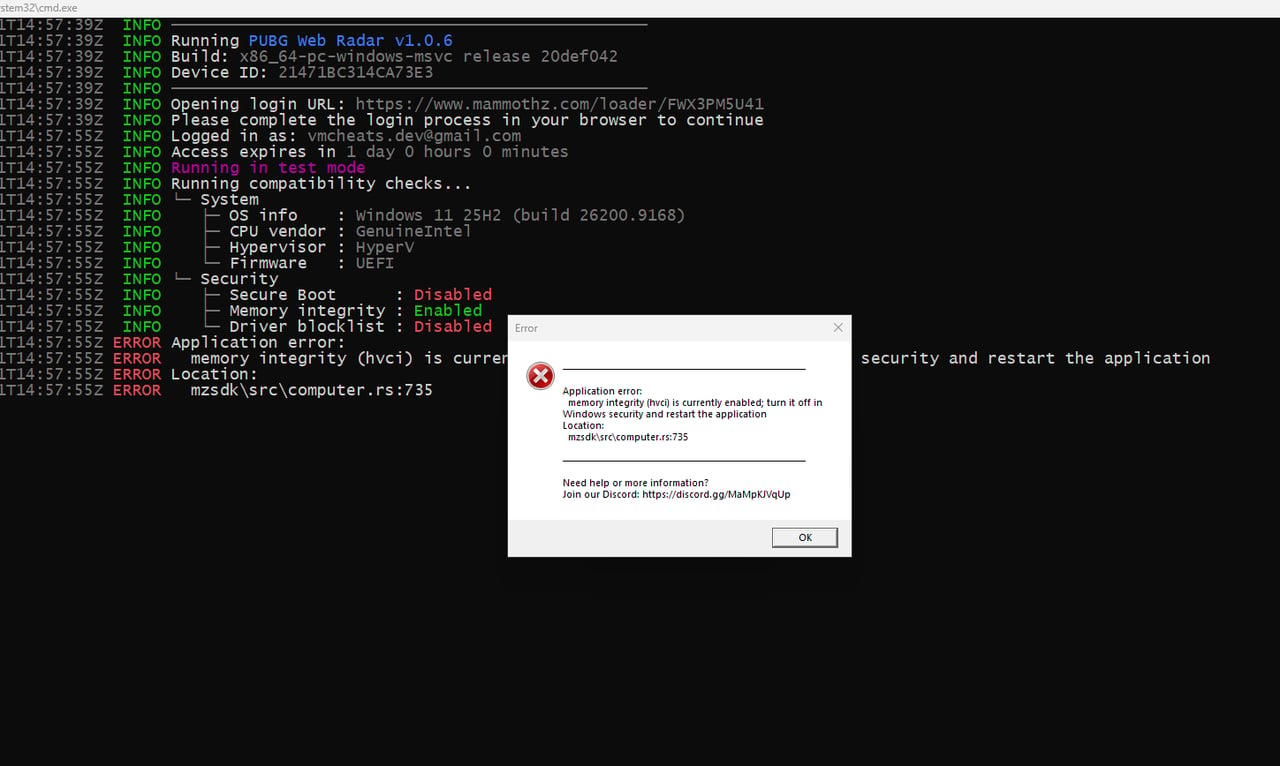
How to Disable HVCI (Memory Integrity)
This product requires HVCI (Memory Integrity) to be disabled before use.
1. Disable via Windows Security
- Open Start and search for
Core isolation, or go to Windows Security → Device security → Core isolation details. - Turn Memory integrity Off.
- Click Yes when Windows asks for confirmation.
- Restart your PC.
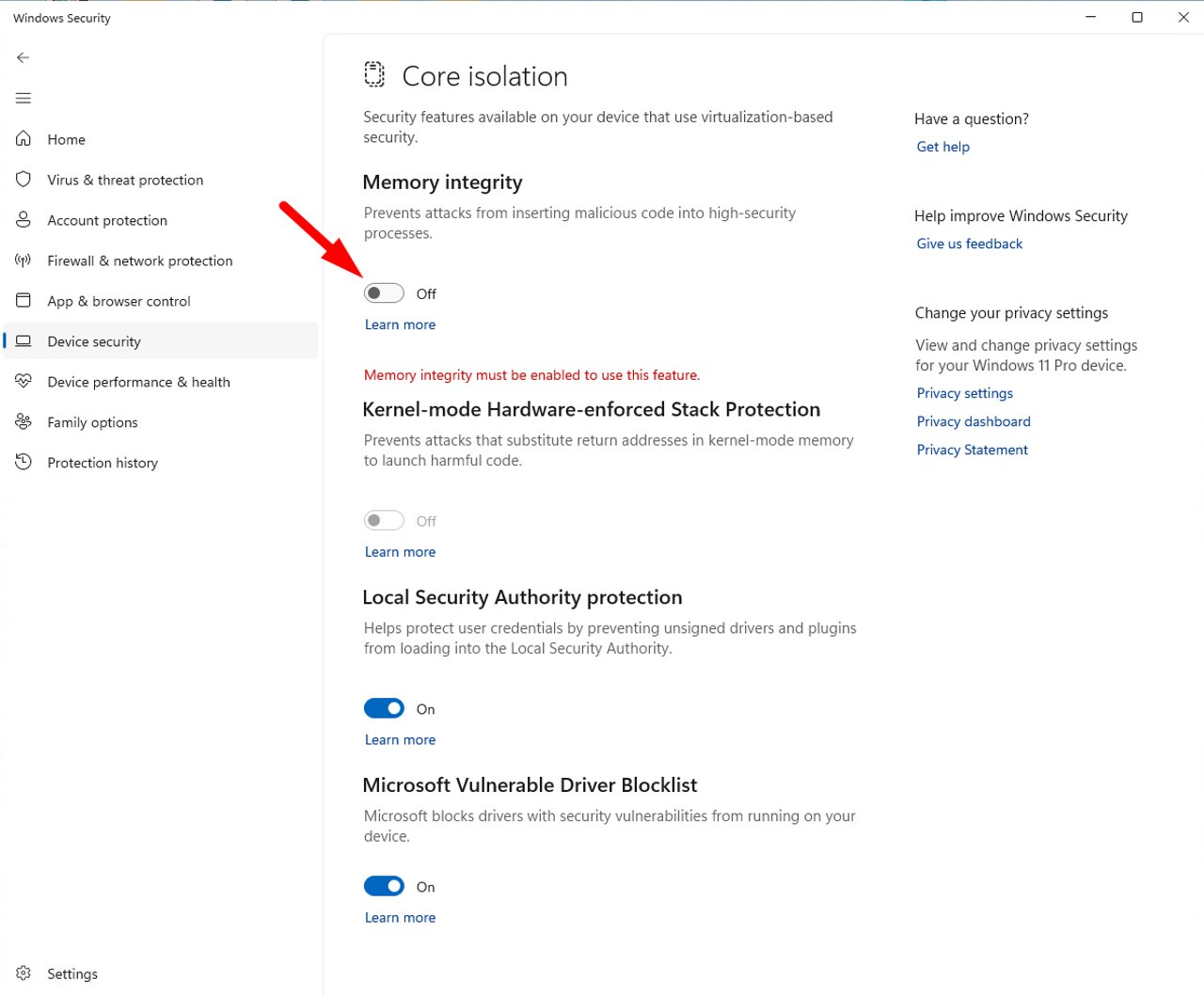
2. Disable via Registry (If the Toggle Is Greyed Out or Turns Back On)
Open Command Prompt (Run as administrator) and run:
reg add "HKLM\SYSTEM\CurrentControlSet\Control\DeviceGuard\Scenarios\HypervisorEnforcedCodeIntegrity" /v Enabled /t REG_DWORD /d 0 /fThen restart your PC.
3. Verify It Is Disabled
- Press
Win + R, typemsinfo32, and press Enter. - On the System Summary page, find Virtualization-based security Services Running.
- If Hypervisor enforced Code Integrity is not listed, HVCI is disabled.
Note
If your PC is managed by an organization (Group Policy/MDM), the setting may be forced back on. Contact your administrator. To re-enable HVCI later, turn Memory integrity back on and restart your PC.
If the problem persists after all steps, contact our support team with a screenshot of msinfo32.